
Description
Clean, honest listing photos from the phone in your pocket
A modern phone can take good listing photos when it is held level, at the right height, in a well-lit and tidy room. This guide shows you how, step by step, and is just as clear about when a professional photographer is the better choice.
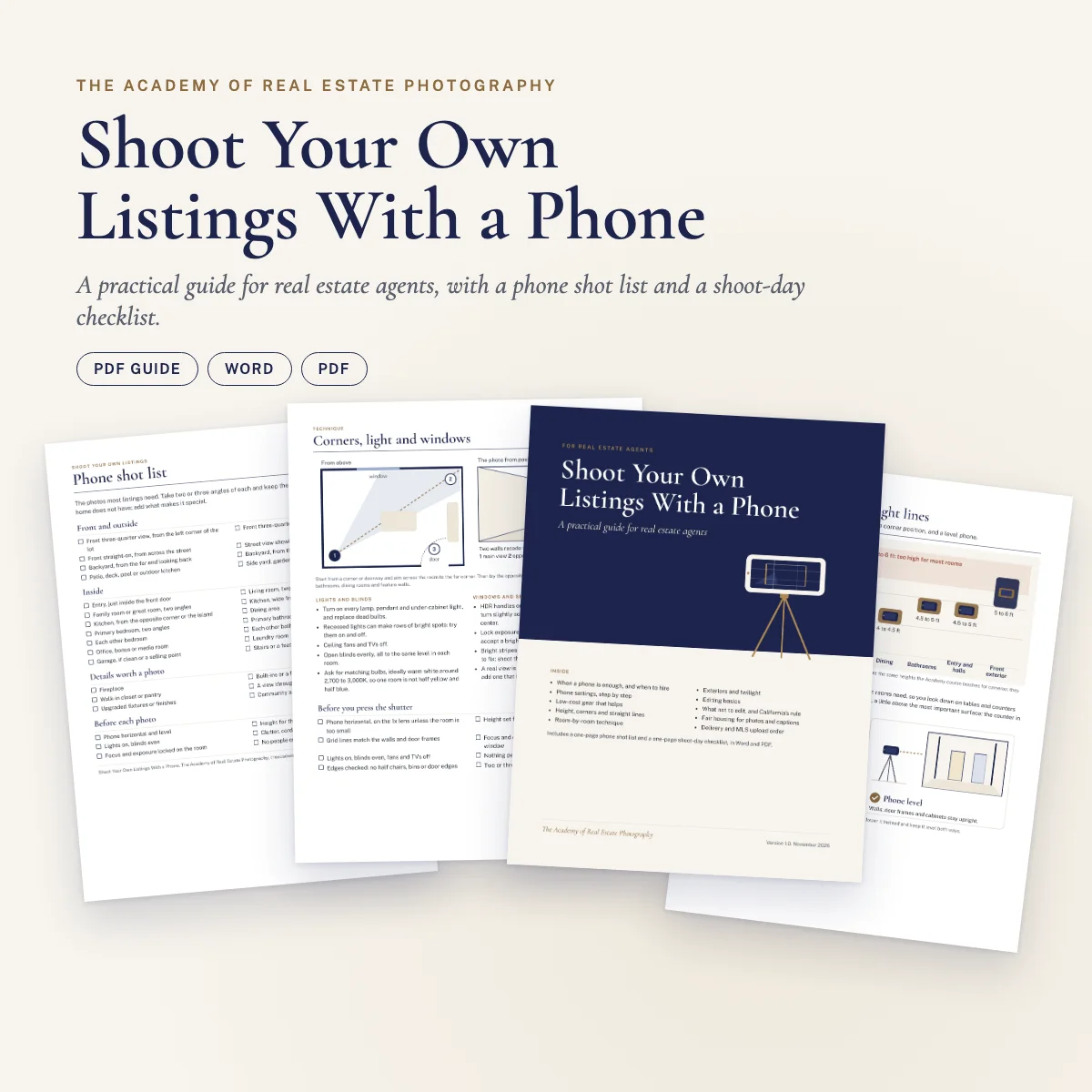
What the guide covers
- Phone or professional? When a phone is enough, when to hire, and a fair test to decide.
- Phone setup: clean lens, grid and level, HDR, resolution, file format, locking focus and exposure, RAW where your phone offers it.
- Lenses and modes: the limits of the 0.5x ultra-wide lens, and why portrait mode and zoom do not belong in listing photos.
- Low-cost gear: tripod, phone mount, Bluetooth shutter remote and a small light, and what to look for in each.
- Technique: drawn diagrams of phone height by room, corner positions and keeping vertical lines straight.
- Room by room: where to stand, how high, and what to check in every room.
- Exteriors and twilight with a phone, including when the sun is on the front.
- Editing basics with your phone’s built-in editor, and the most common mistakes with their fixes.
- What not to edit: including a plain-language summary of California’s altered image disclosure law (Bus. & Prof. Code 10140.8).
- Fair housing for photos and captions (42 U.S.C. 3604(c)).
- Delivery and MLS upload order.
Files
- Shoot Your Own Listings With a Phone (PDF guide, 14 pages)
- Phone shot list (Word and PDF, 1 page)
- Shoot-day checklist (Word and PDF, 1 page)
One ZIP download, available right after checkout and saved in your account.
General information, not legal advice. Laws and MLS rules change and vary by place.